As open-source intelligence practitioners, the tools we use dictate the speed and clarity of our analysis. For the past several months, I’ve felt limited by third-party mapping software—clunky consumer platforms bloated with ad trackers, rigid templates, and corporate corporate branding footprints that fail to capture the reality of shifting global frictions.
So, We’ve decided to build our own.
Today, I am incredibly proud to officially launch the Intelligence Analysis Tactical Map Grid.
The Live Dashboard: map.intelligenceanalysis.org
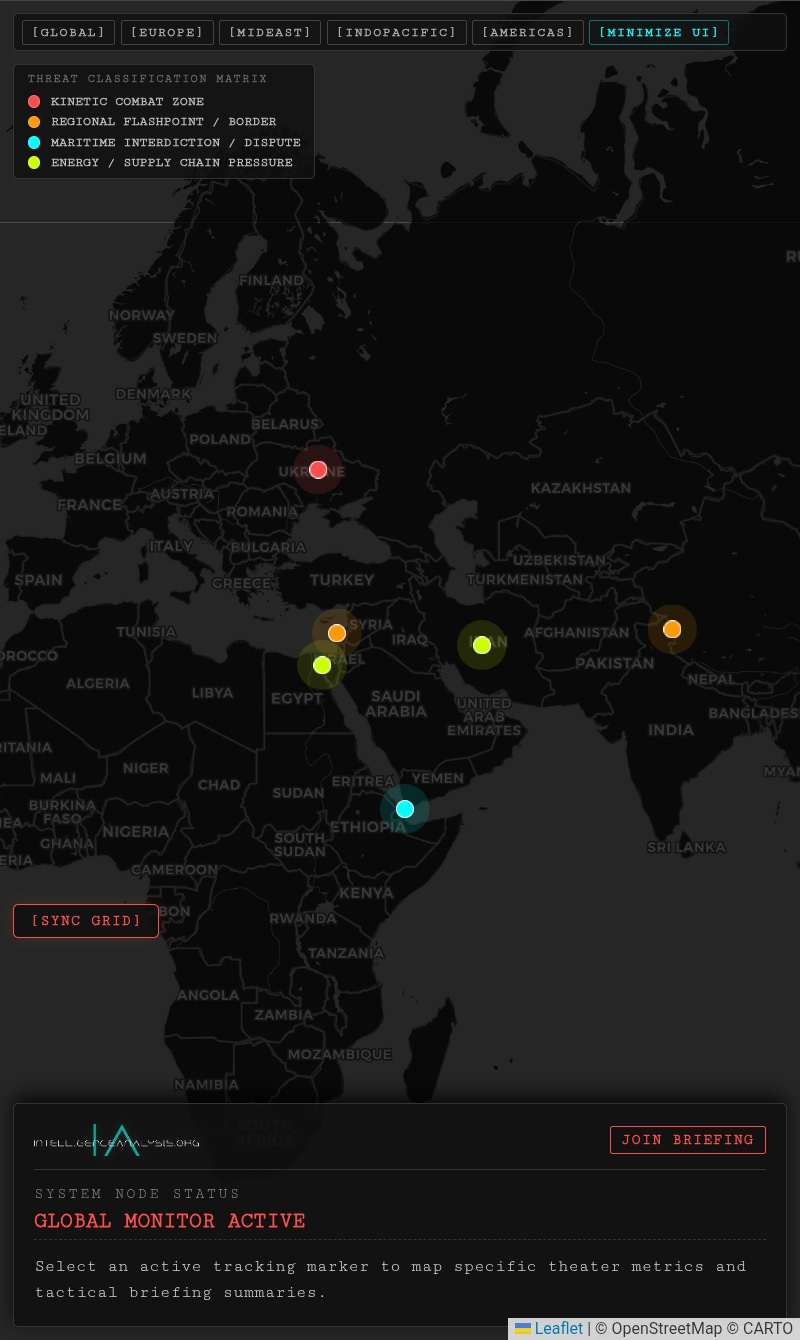
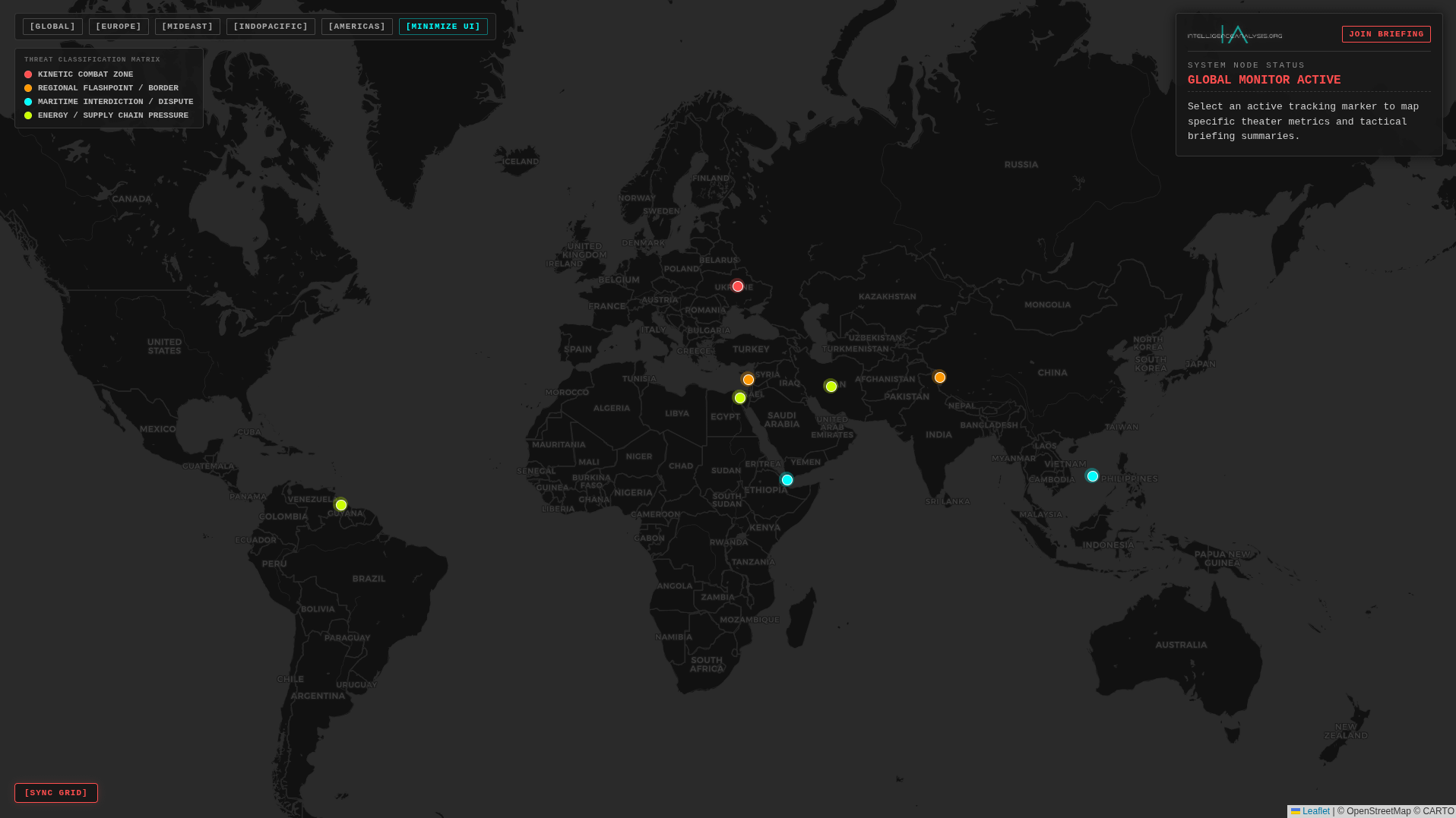
This isn’t just a static graphic. This is a fully interactive, lightweight, high-contrast command deck engineered entirely from the ground up to support our ongoing theater assessments.
Here is what is currently live on the grid:
Sovereign Telemetry Pipeline: Zero bloat, zero tracking cookies, and 100% independent data routing. The map runs on our own server architecture for maximum load speed across desktop, tablet, and mobile browsers.
Threat Classification Matrix: Markers are dynamically color-coded by operational vector—Crimson for Active Kinetic Combat, Amber for Simmering Regional Flashpoints, Neon Cyan for Contested Maritime Boundaries, and Yellow-Green for Logistics & Energy Supply Chain choke pressures.
Quick-Jump Theater Matrix: A custom navigation suite allowing you to instantly sweep the camera focus across major international friction zones—including the Black Sea Vector, the Levant Corridor, the Bab-el-Mandeb Strait, and the South China Sea.
Immersive Mobile Infrastructure: Features an embedded
[Maximize UI]native fullscreen toggle designed to turn any tablet or mobile device into a ruggedized, field-ready battle tracking console.
How We Will Use This Moving Forward
Starting today, this terminal is fully operational. I will be using it live during our video briefings to map out geographic dependencies, troop build-ups, and maritime interdiction choke points.
More importantly, it belongs to you. You can pull this deck up on your phone or tablet while reading our deep-dives to dynamically click through node summaries, match terrain contours, and track real-time geopolitical shifts alongside our written briefs.
Tap the link below, bookmark the terminal, and explore the active grid.
➔ Deploy the Command Deck Here
Note: For the absolute best user experience on mobile/tablets, tap the blue [Maximize UI] button at the top to drop into full command-screen mode.
Pro-Move for the Post Publication:
When you format this on Substack, take that pristine photograph of your Android tablet running the live console and use it as the Main Feature Image at the absolute top of the post.
Seeing real, physical hardware running a glowing dark-mode interface hits completely different than a basic screen recording. It immediately telegraphs to your readers that this is a professional-grade tactical utility.